
Product
Making event planning accessible to everyone. AI invitations, multilingual RSVP calls and an AI event manager, free or at a symbolic cost.
I founded Invites in 2017 with a simple belief: invitations and guest management should be open to everyone, not only to people who can pay for expensive platforms. So I have always kept it free or very cheap. Over the years AI became a major part of the product. I started as a solo founder, and I still build and run it alone. What began as an invitation and RSVP platform is growing into an AI event management assistant, and there is a lot more to come.
- AI invitations: AI writes the invitation and the event messages. The host reviews, edits and approves everything before it goes out.
- AI RSVP calls: an AI voice agent calls your guests, speaks their language, holds the conversation and collects who is coming. No human callers needed.
- Your AI event manager: an agent inside the platform that keeps the event information organized. The host stays in control.
- What is next: a much more autonomous event manager that does tasks for the host, such as calling and coordinating with vendors.
Visit the site
Open source
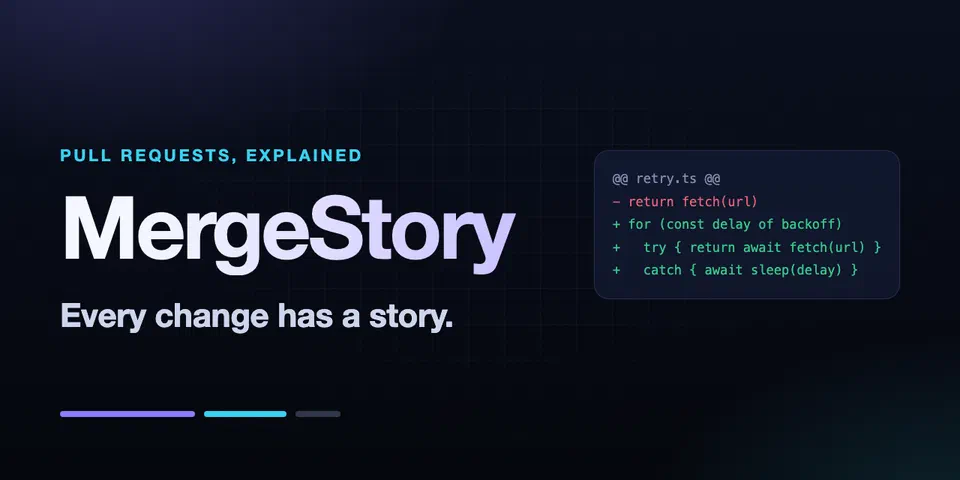
Turns a pull request into a short video that explains what changed, why, and what to review.
A big pull request is hard to review, because you have to rebuild the author's reasoning from the diff. MergeStory gives you a first pass: a narrated video, usually 45 seconds to three minutes, with the real code, captions and a review checklist. It explains the change. Whether the change should ship is still your call.
- Every narration line cites the change, and the code on screen is read from your repository. Claims nobody can check, like "all tests pass", are cut unless real test results are supplied.
- Private by default: no telemetry, and nothing from your code leaves your machine unless you set it up.
- Use it from the command line, or as a skill in Claude Code, Codex, GitHub Copilot, Cursor and other coding agents.
- What you need
- Node.js 22.12 or newer, git, FFmpeg, and Chrome or another Chromium browser. The first English video downloads a free voice once (over 400 MB).
- Try it
npm install -g mergestorymergestory doctor
Visit the siteWatch the filmWatch the demoSource code
Open source
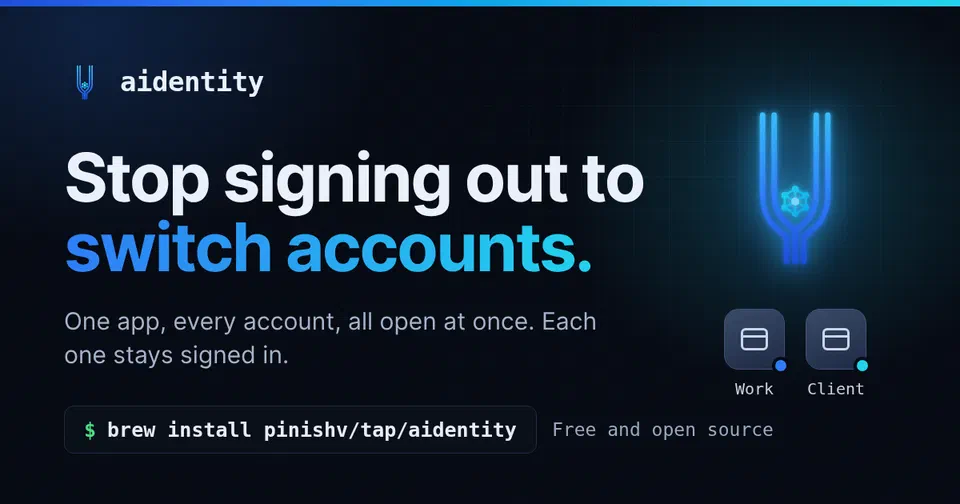
Keeps an admin, a test and an everyday account of the same Mac app apart, each in its own window.
Most desktop apps keep one account signed in at a time. aidentity gives each account its own small launcher and data folder, so an admin account, a test account and your everyday account can stay open side by side, each with its own history and tools. It is for accounts one person is allowed to use, under the app's terms and your company's rules. The app itself is never changed, and the project is not made or endorsed by the app makers.
- Verified with Claude Desktop. Also tested with ChatGPT, Slack, VS Code, Cursor, Notion and other apps built on Chromium.
- Each account gets its own icon and color. Add, rename, recolor, remove or restore one with a single command, or from a menu in the terminal.
- One script you can read: no sudo, nothing running in the background, and no network calls except updates.
- What you need
- A Mac. It works with apps built on Chromium or Electron, not with fully native apps.
- Try it
brew install pinishv/tap/aidentityaidentity setup
Visit the siteWatch the 31-second filmSource code
Open source
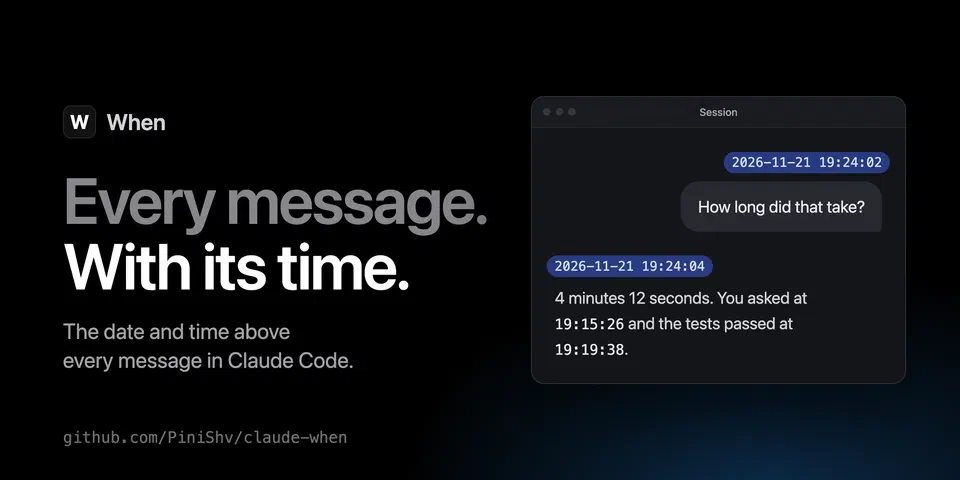
Shows the date and time above every message in Claude Code, yours and Claude's.
Claude Code does not show when a message was sent. In a long session you cannot tell when you asked something, or how long a step took. When adds a quiet time line above each message, and gives Claude the send time too, so it can answer "how long did that take?" from real times.
- A reply's time is when Claude started writing it, so the gap between two lines is how long the work took.
- One TypeScript file, about 150 lines, no dependencies. No network calls, no telemetry, no account.
- Works in the Claude Code desktop app, the terminal and the VS Code panel.
- What you need
- A Claude Code version that supports mods.
- Try it
claude plugin install when --marketplace PiniShv/claude-when
Visit the siteSource code